Features That Make Our Project Special
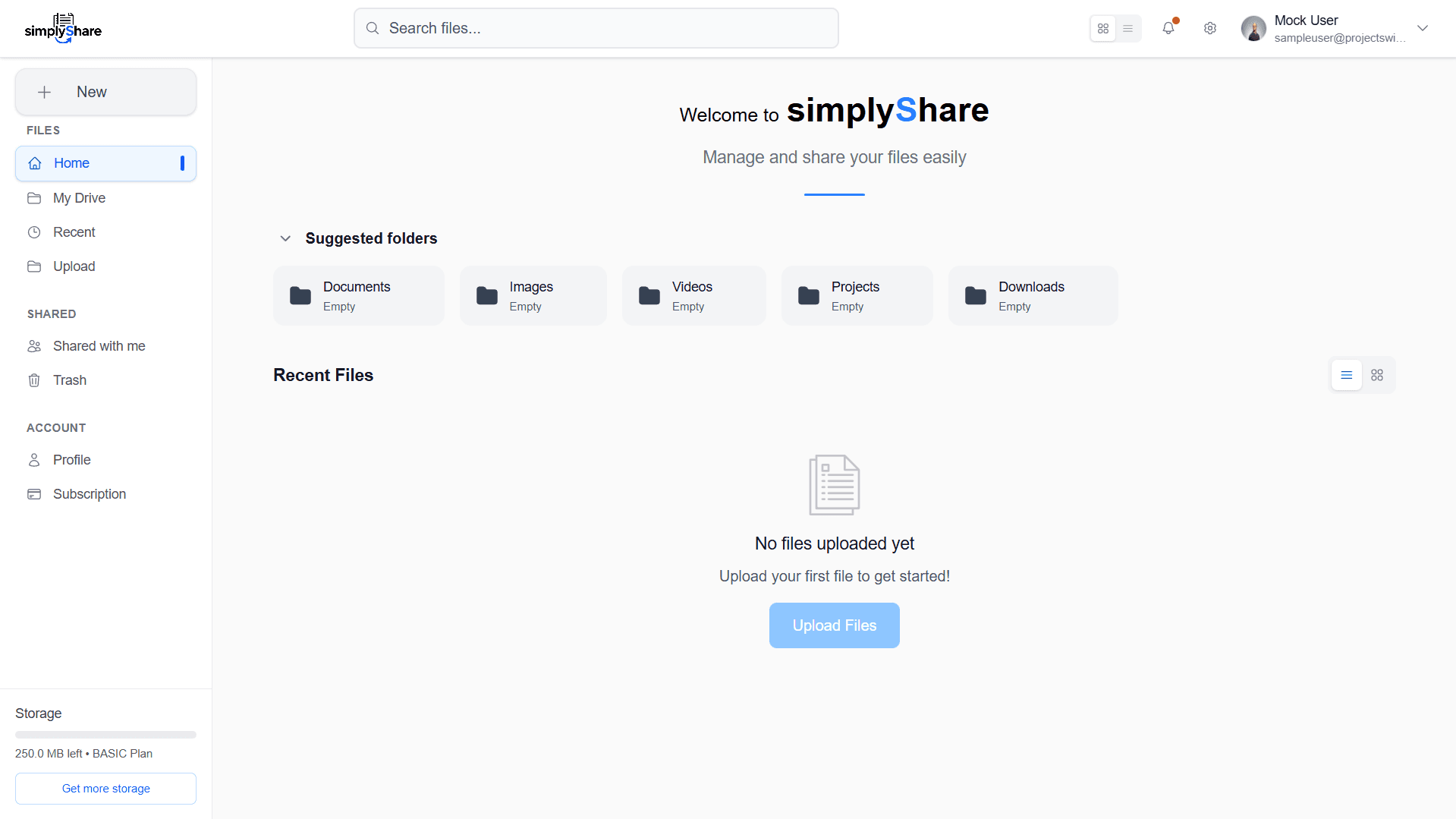
Home
- See last used files and folders
- Quick navigation with sidebar/menu
- “New” button for fast actions
- Toggle between list/grid views
- action buttons rename, move, share, delete
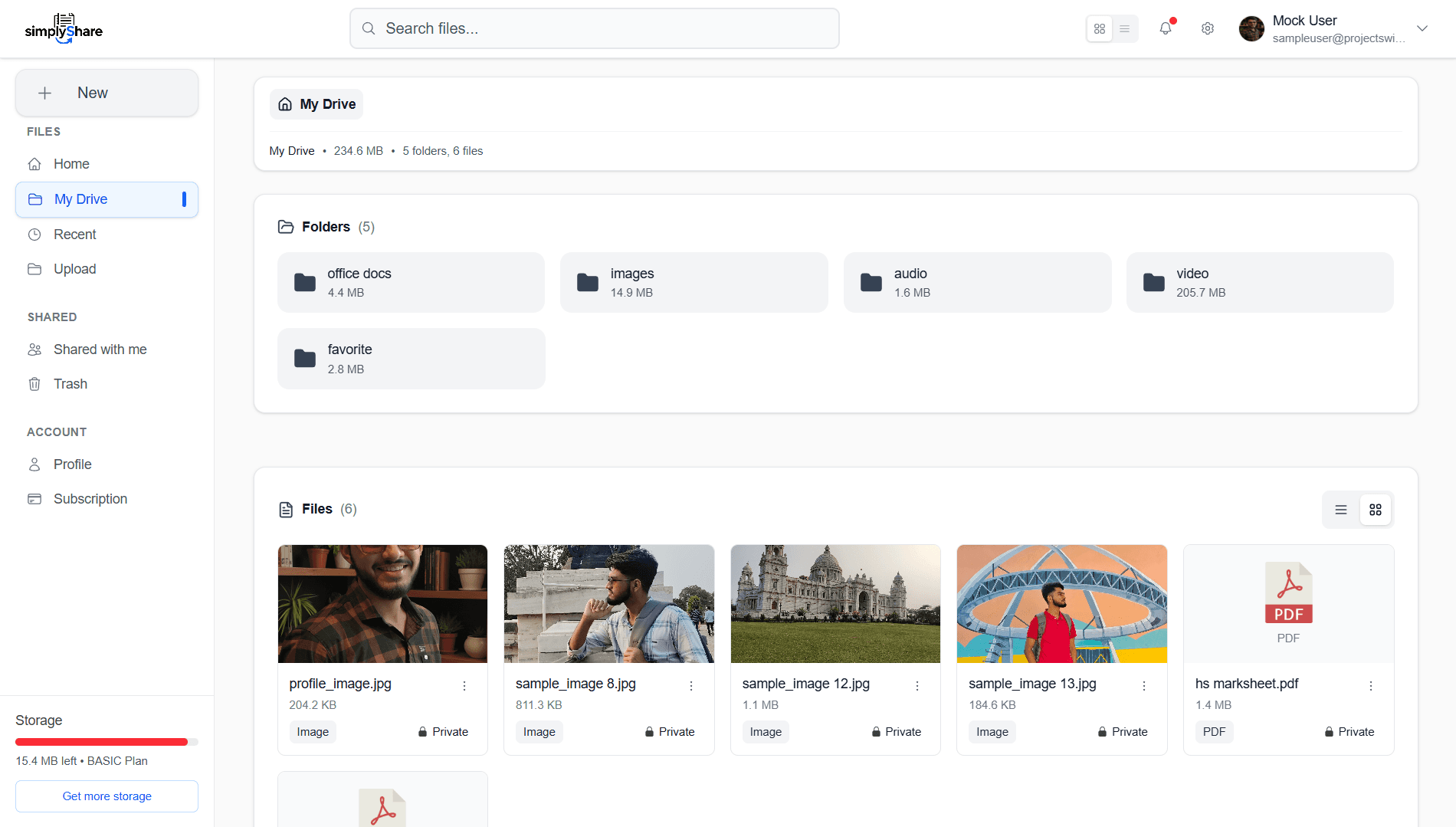
My Drive
- Browse all folders and files like a file explorer
- Intuitive tree structure for organization
- See total number of files, folders
- See combined size of folders
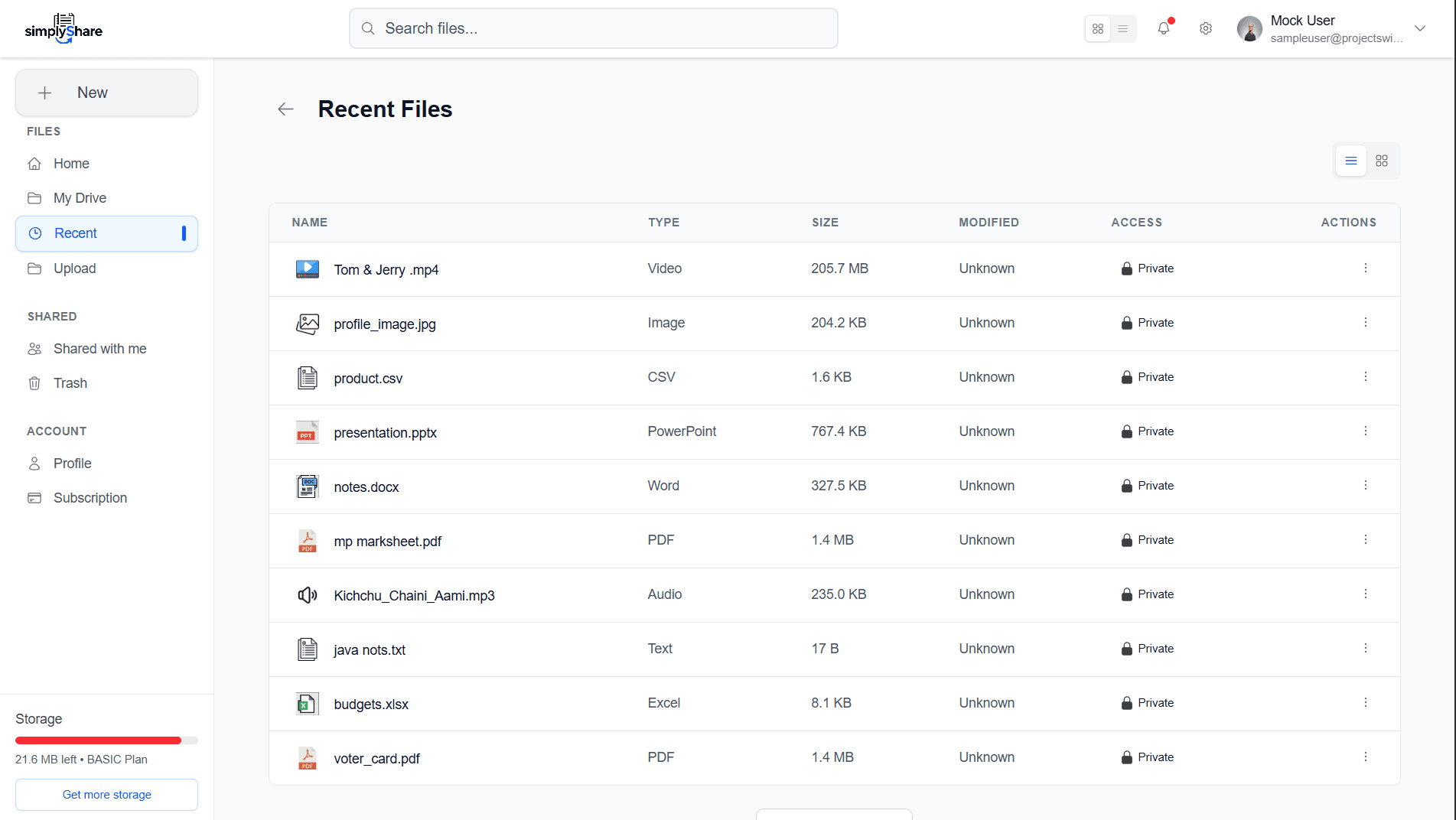
Recent
- Instantly access all recently used files
- List or grid view option
- File action buttons available
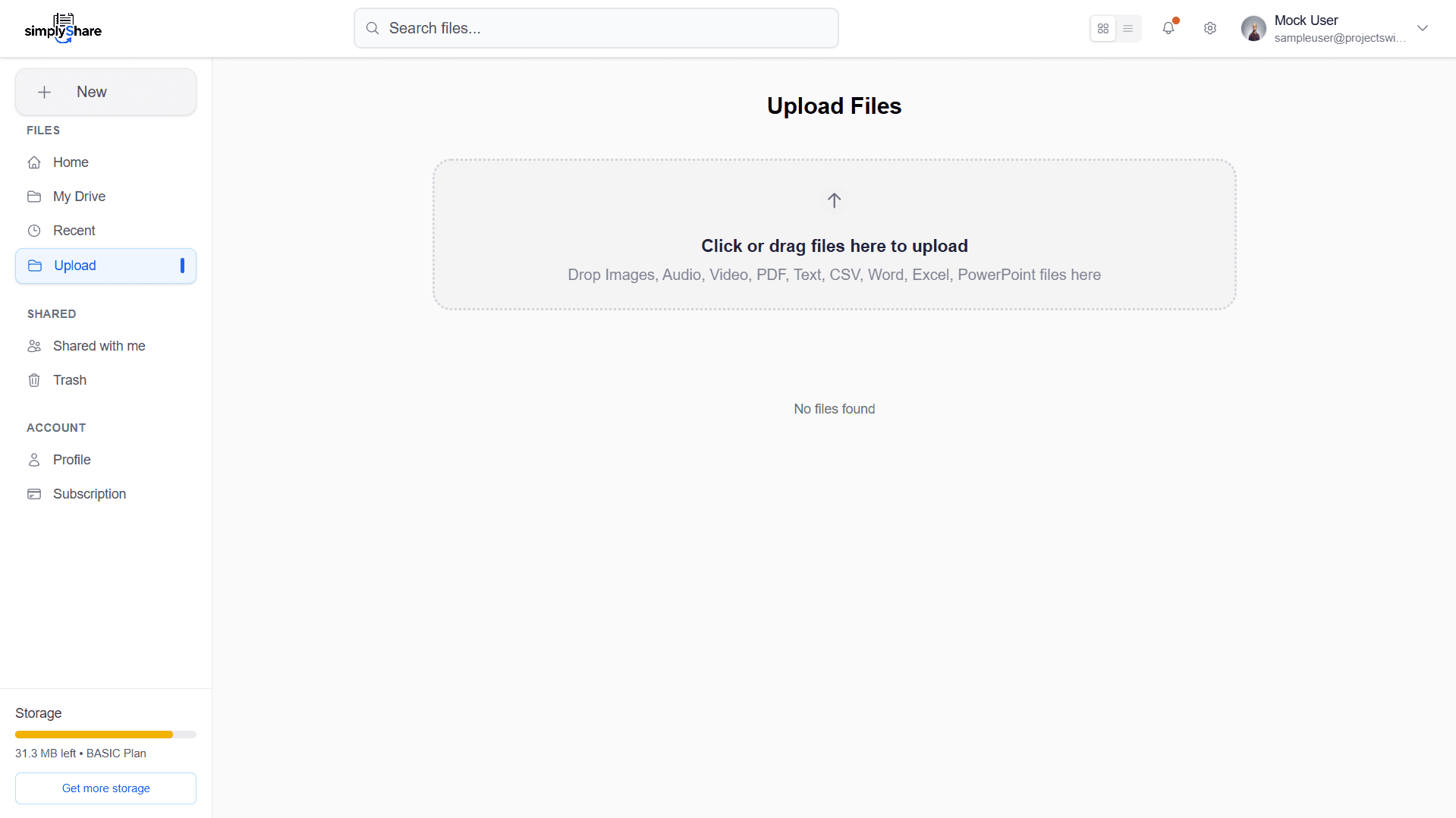
Upload
- Drag-and-drop or “Browse” to select files
- Instant upload with a dedicated button
- See a preview after upload
- Track upload progress
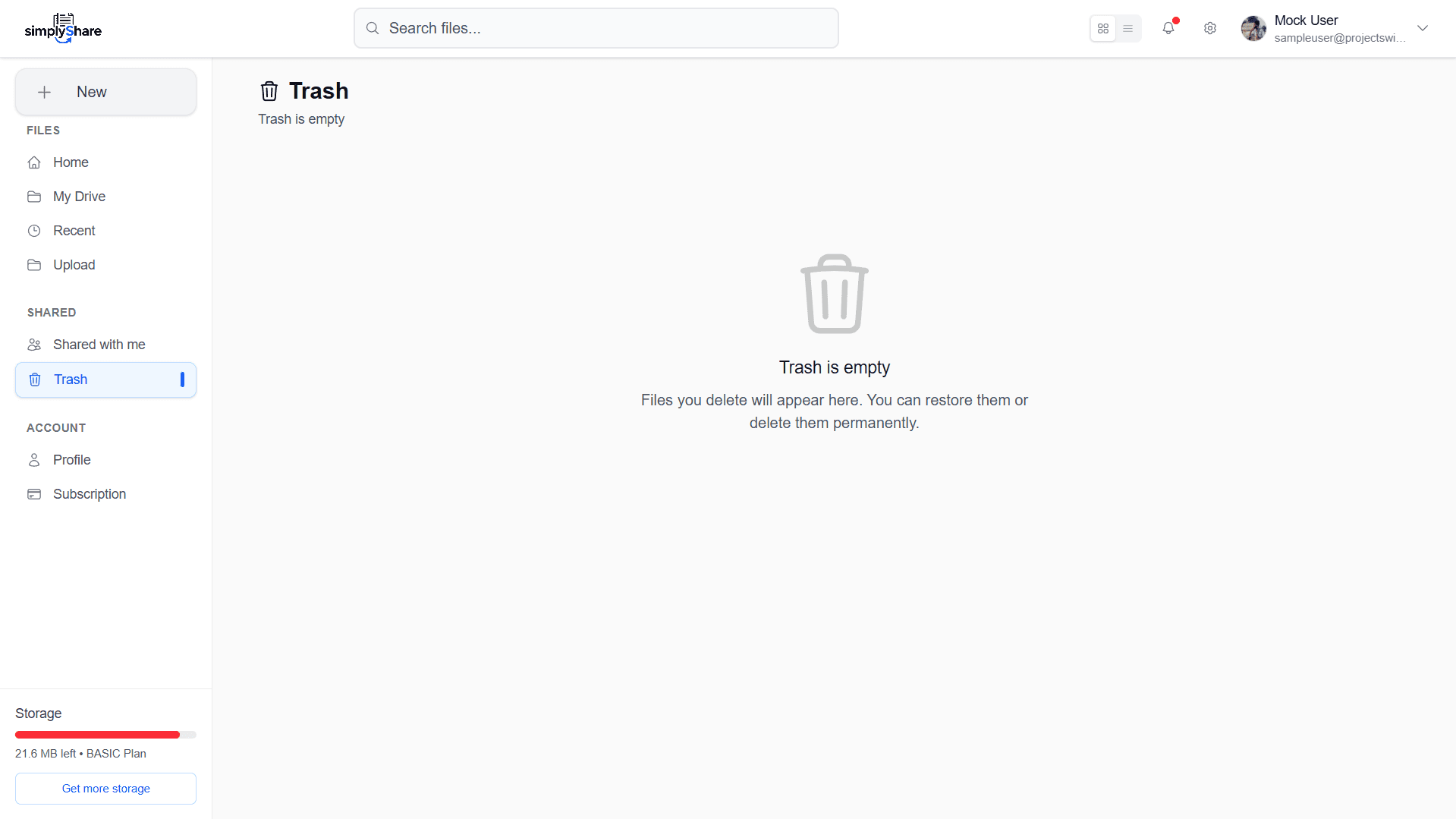
Trash
- View deleted files (recycle bin)
- Restore or permanently delete any file
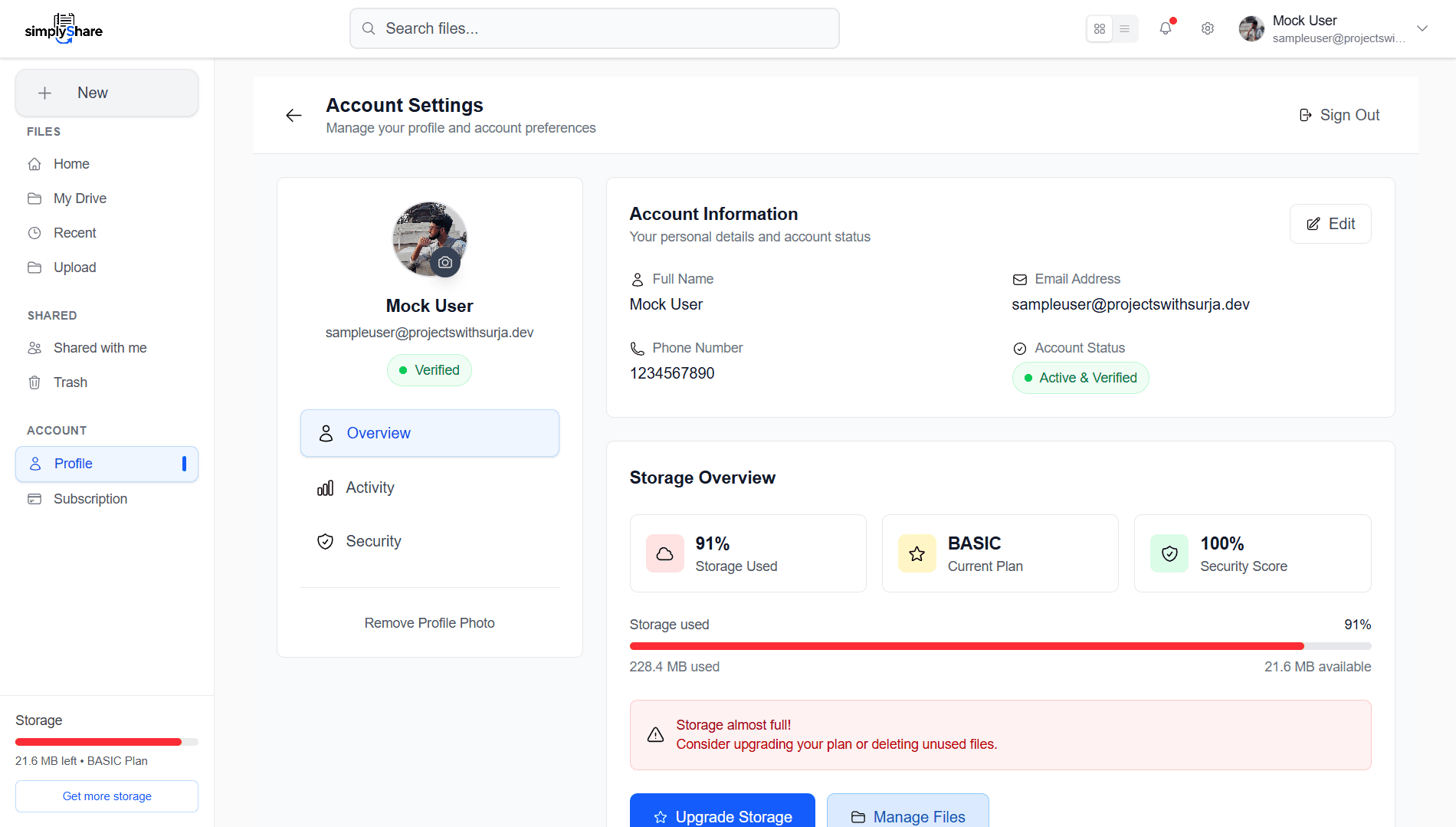
Profile
- View and update your profile information
- Check storage usage and stats
- Upload/set a profile picture
- Update account security (password, 2FA, etc.)
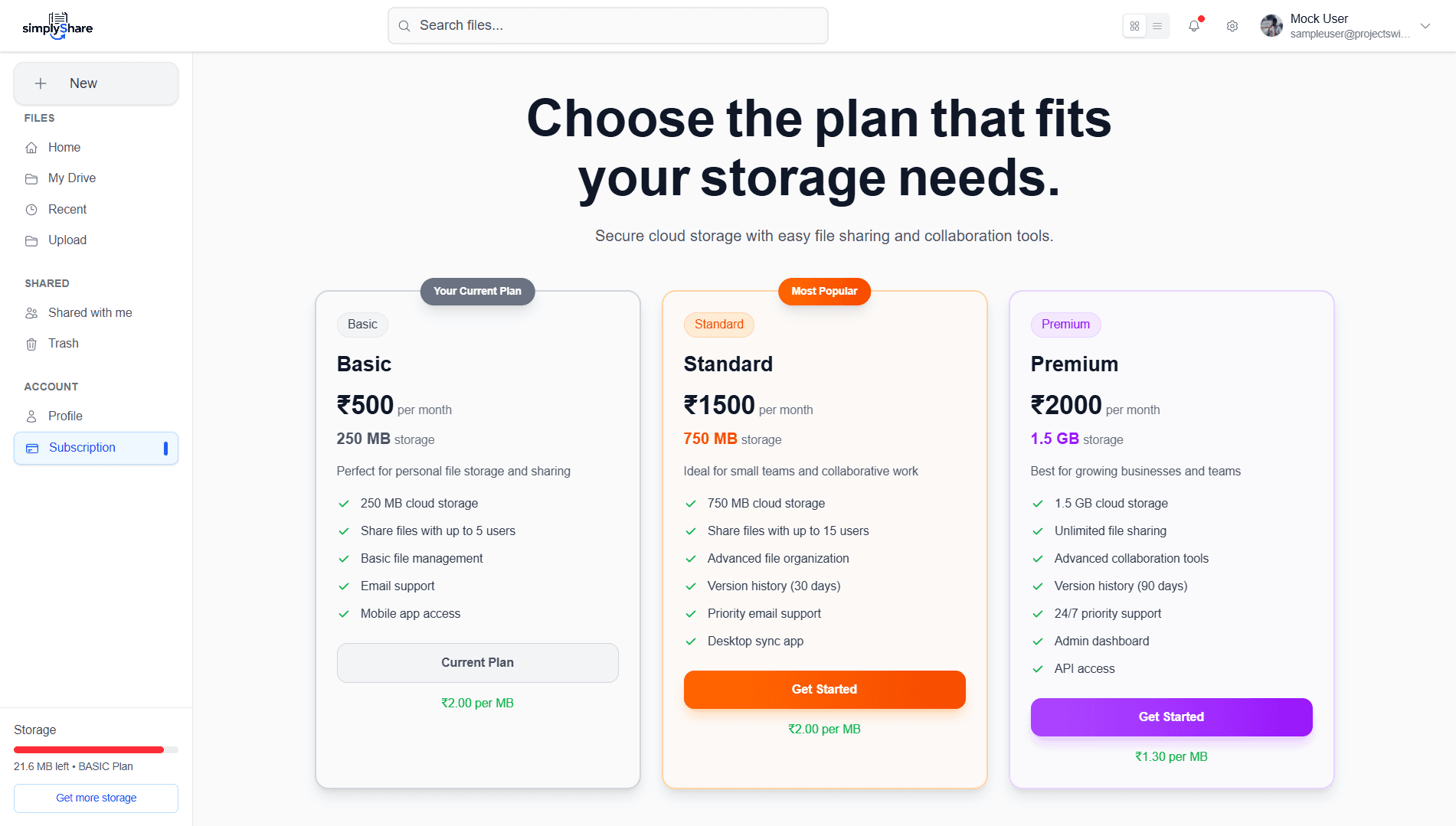
Subscription
- See current plan details
- Upgrade or downgrade plan
- View invoices, billing info
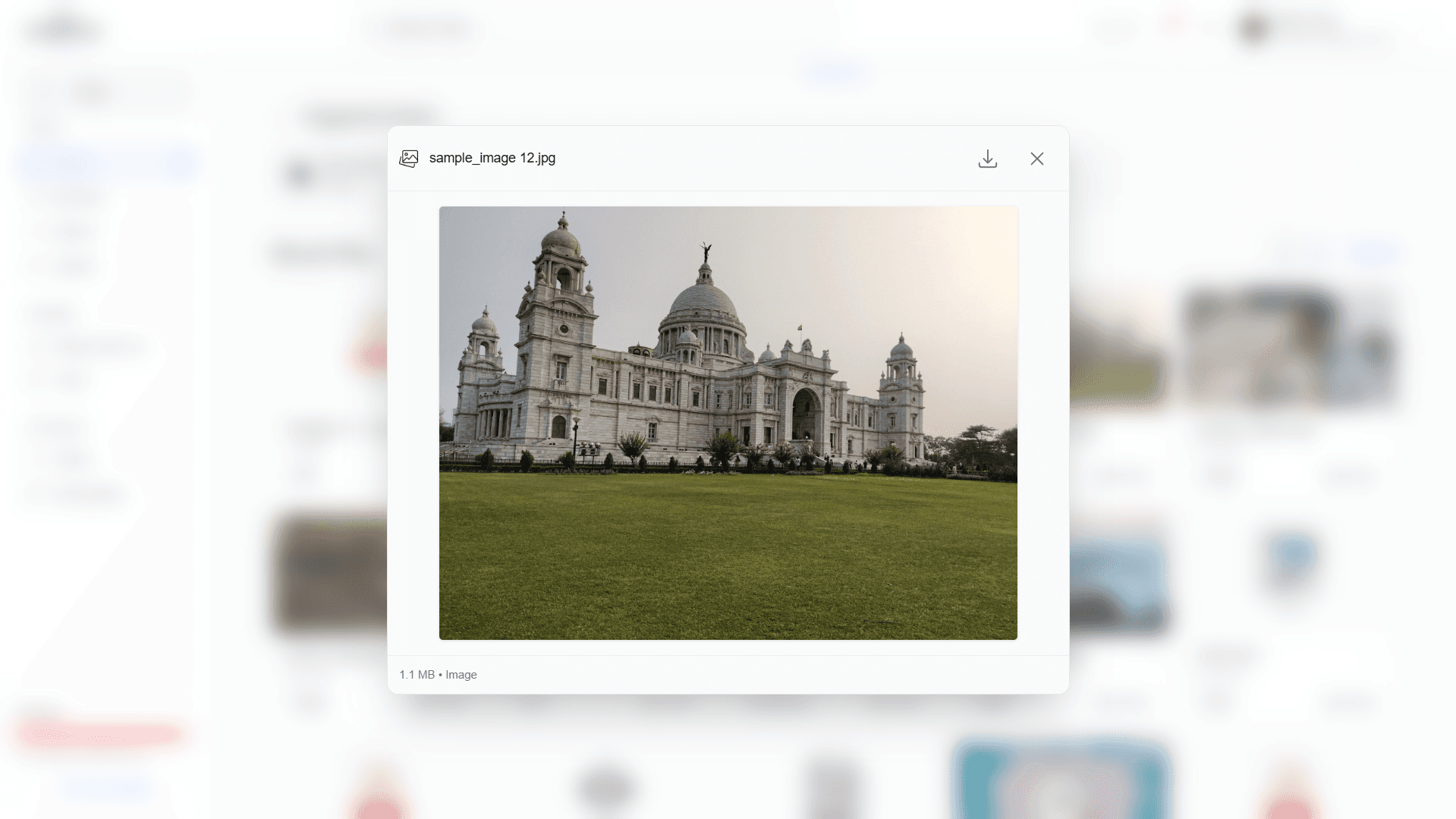
Previewer
- preview images and play videos
- View and edit PDFs
- Download edited or previewed files directly
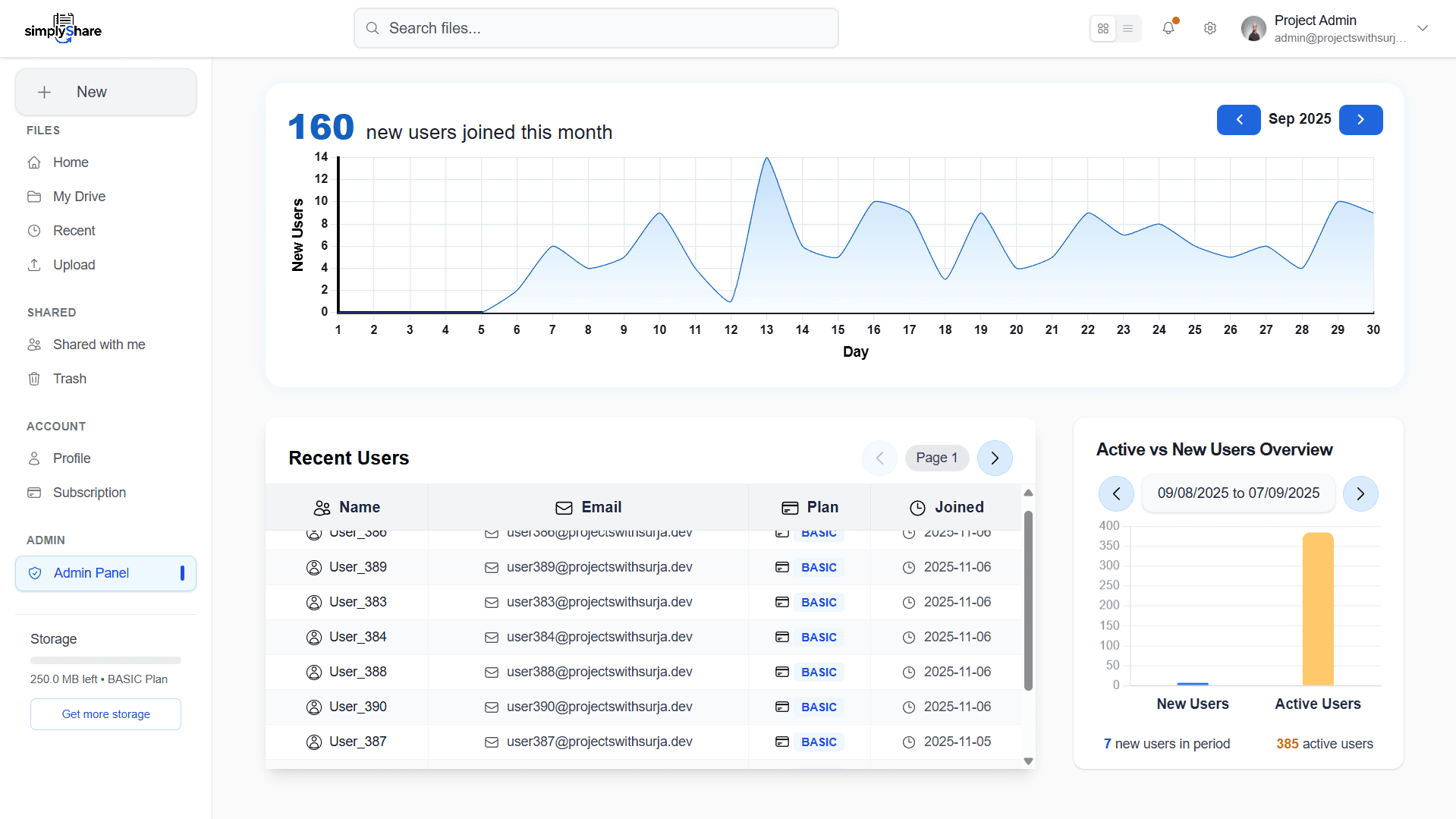
Admin Dashboard
- A dedicated dashboard for admins
- View user statistics and activity
- Recent sign-ups and active users
- Visual charts for user growth and engagement